The Kawerau District Library provides free, high-speed public Wi-Fi via the Aotearoa People’s Network Kaharoa (APNK). Access is unlimited and available to both residents and visitors without a password. Users can connect personal devices inside the library or in the immediate exterior vicinity, making it an essential connectivity hub for travelers.
How to Access Free Public Wi-Fi in Kawerau
For travelers exploring the Bay of Plenty, digital connectivity is often a logistical challenge. Kawerau District Library serves as a critical infrastructure point, offering robust internet access through the APNK (Aotearoa People’s Network Kaharoa) system. This government-supported initiative ensures that digital equity is maintained across New Zealand, and for the tourist or digital nomad, it means reliable, high-speed fiber connectivity.
Connecting to the network is designed to be frictionless. Unlike many commercial establishments that require complex login codes or purchases, the library prioritizes accessibility.
Step-by-Step Connection Guide
- Enable Wi-Fi: Open the Wi-Fi settings on your smartphone, tablet, or laptop.
- Select Network: Look for the SSID named “APNK Library” or similar variations (often just “APNK”).
- Launch Browser: Once connected, open your preferred web browser (Chrome, Safari, etc.).
- Accept Terms: You will be automatically redirected to a landing page. You must click “I Accept” on the terms and conditions to proceed. No password is required.
The connection is generally strong enough to support video conferencing (Zoom/Teams), large file uploads, and streaming, making it ideal for updating travel blogs, backing up photos to the cloud, or handling remote work tasks.
Security Considerations on Public Networks
While the APNK network is secure and monitored for illegal content, it remains a public network. When accessing the Kawerau library free wifi, it is advisable to use a Virtual Private Network (VPN) if you are accessing sensitive banking information or corporate data. This adds an encryption layer to your browsing session, ensuring your data remains private even in a public setting.
Kawerau Library Opening Hours & Location
Planning your visit is essential, especially if you are passing through on a tight itinerary. The library is centrally located, acting as a convenient pitstop before heading towards Tarawera Falls or the coast.
Location Details
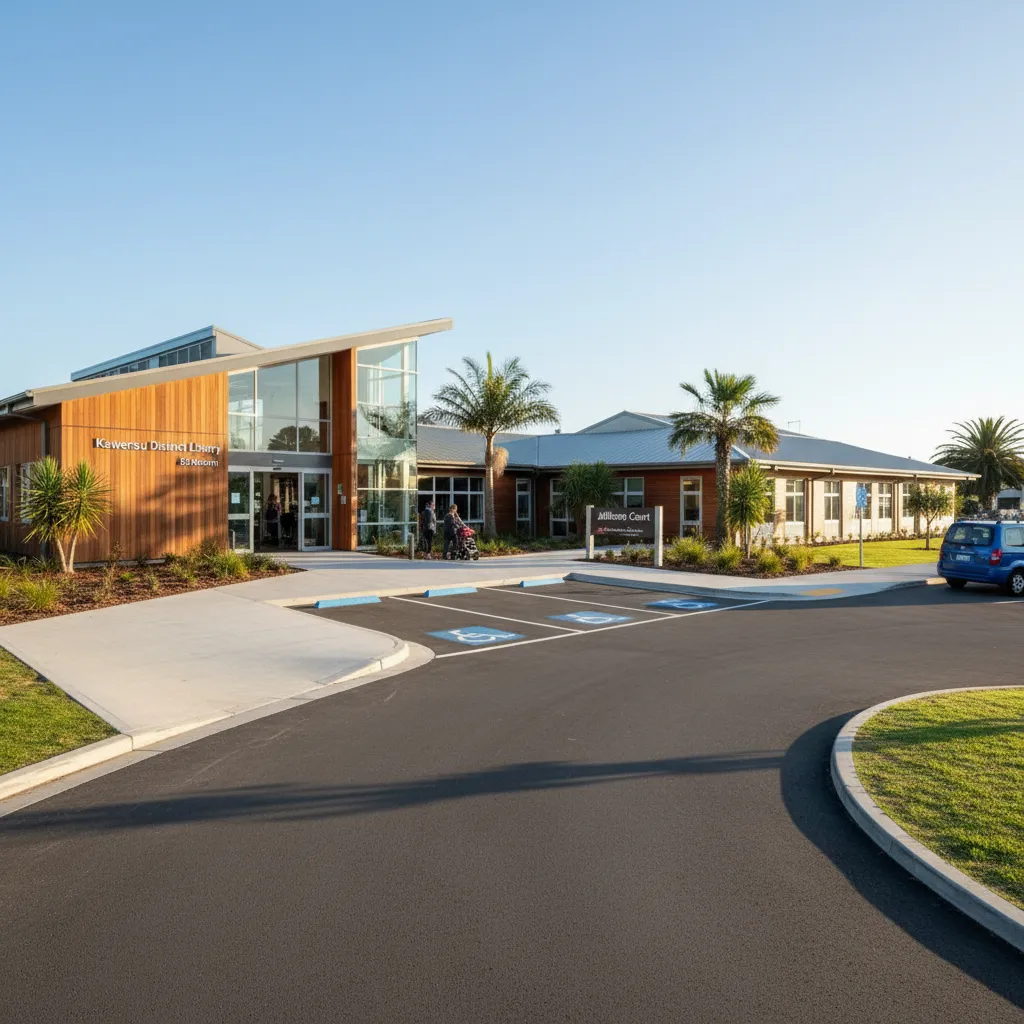
Address: Jellicoe Court, Kawerau 3127, New Zealand.
The library is situated in the heart of the township, near the Council buildings and the i-SITE Visitor Information Centre. Ample free parking is available in Jellicoe Court, which is a significant advantage for those traveling in campervans or rental cars.
Standard Operating Hours
Travelers should note that hours may vary on public holidays. It is always best to check the official Kawerau District Council website for emergency closures, but the standard operating rhythm is as follows:
- Monday – Friday: 10:00 AM – 5:00 PM
- Saturday: 10:00 AM – 1:00 PM
- Sunday: Closed
Pro Tip: The Wi-Fi signal often bleeds outside the building. If you arrive slightly after closing hours or on a Sunday, you can often still connect to the internet from the seating areas immediately outside the entrance or in the parking lot, essentially providing 24/7 basic connectivity.
Printing, Scanning, and Computer Services
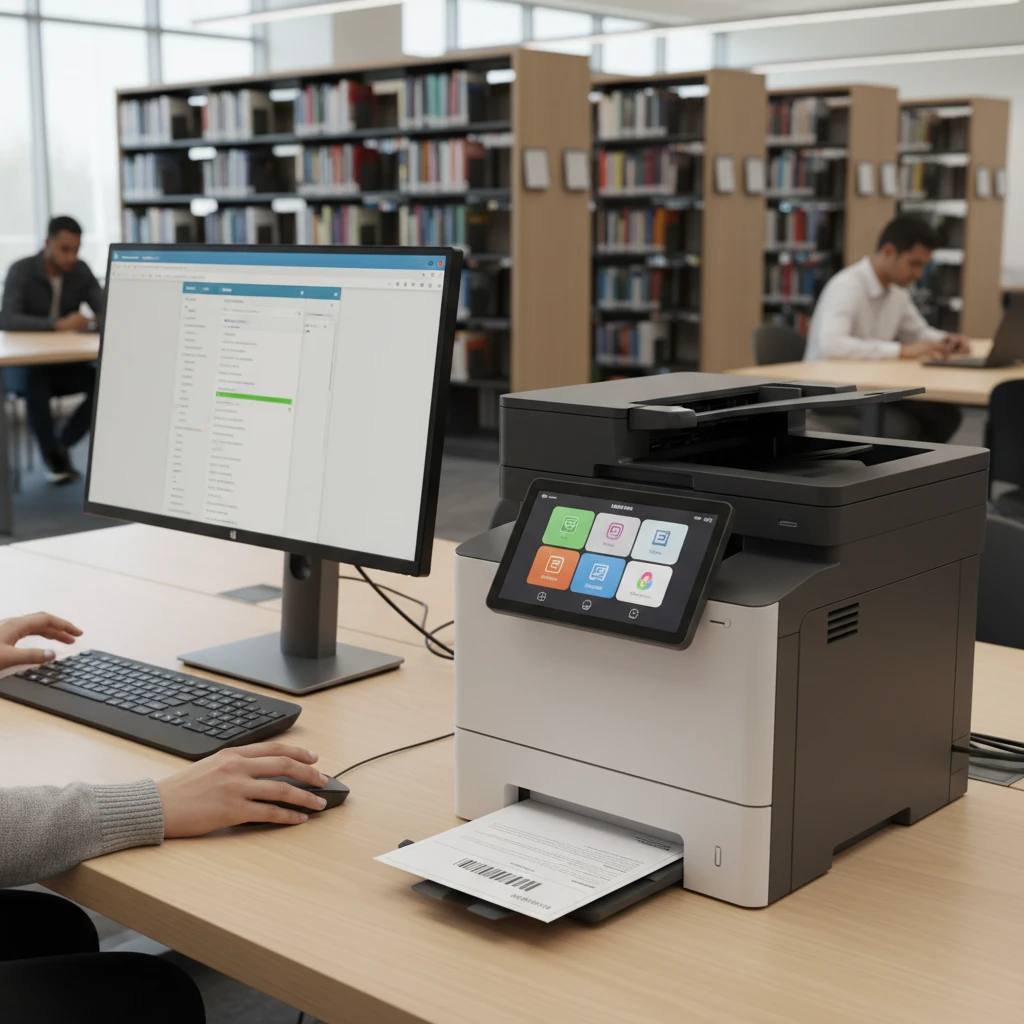
Beyond Wi-Fi, the library functions as a full-service business center for tourists. Whether you need to print a Department of Conservation (DOC) permit for a campsite, scan identification documents, or physically use a desktop computer, these facilities are available.
Public Computers (APNK Chrome Stations)
The library hosts several APNK Chrome stations. These are free to use. Sessions are typically managed to ensure fair access for everyone, often in 30 to 60-minute blocks, though extensions are frequently granted if no other users are waiting. These stations come pre-loaded with standard office software and secure browsing capabilities.
Printing and Scanning Costs
Physical document services are one of the most requested amenities. The library offers high-quality printing and photocopying.
- Black & White A4: Typically approx. $0.20 per side.
- Colour A4: Typically approx. $1.00 – $2.00 per side.
- Scanning: Scanning documents to an email address is often free or charged at a nominal rate. This is incredibly useful for digital nomads needing to sign and return contracts while on the road.
Quiet Spaces for Remote Work & Digital Nomads
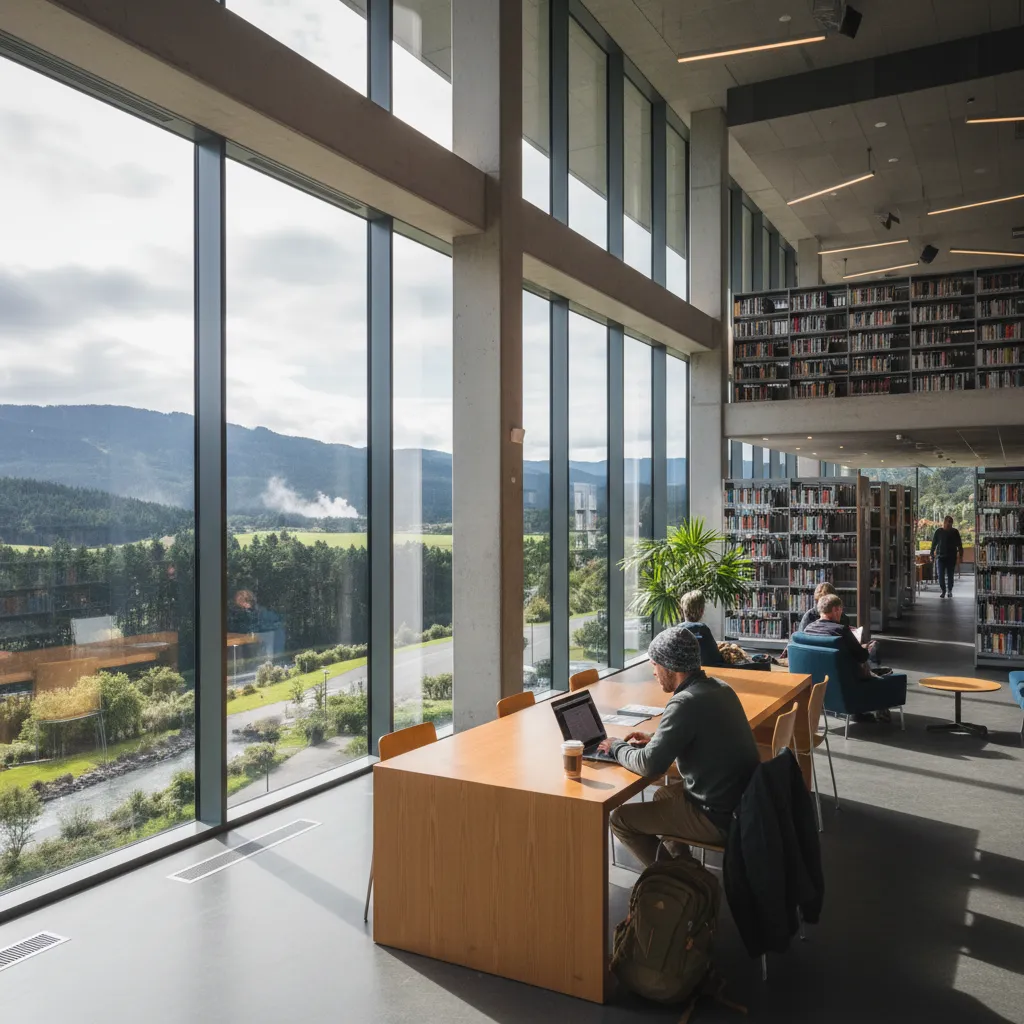
The rise of the “work-from-anywhere” culture has transformed libraries from book repositories into co-working hubs. Kawerau Library is well-suited for this purpose. The interior layout includes dedicated study areas, reading nooks, and tables suitable for laptop setups.
Ergonomics and Atmosphere
The environment is maintained to be quiet and conducive to concentration. For remote workers, finding a power outlet is often the biggest hurdle. The library has several seating areas with access to power points for charging laptops and phones. It is recommended to bring a universal travel adapter if your equipment uses non-NZ plugs, although standard NZ Type I sockets are used throughout.
Etiquette for Workers
If you plan to take calls, be mindful that this is a quiet zone. It is best to step outside into Jellicoe Court for phone conversations or Zoom meetings where you are required to speak frequently. For passive work (coding, writing, emailing), the internal tables are perfect.
The Kawerau Base Camp Strategy: Why Stop Here?
In the context of New Zealand domestic tourism, Kawerau is positioning itself as a strategic “Base Camp.” Rather than just driving through, utilizing the library as a staging ground allows travelers to plan their adventures into the Whakatāane District and wider Bay of Plenty. This lifestyle choice aligns with the Relocation & Digital Nomad Lifestyle.
Why utilize Kawerau as your digital base?
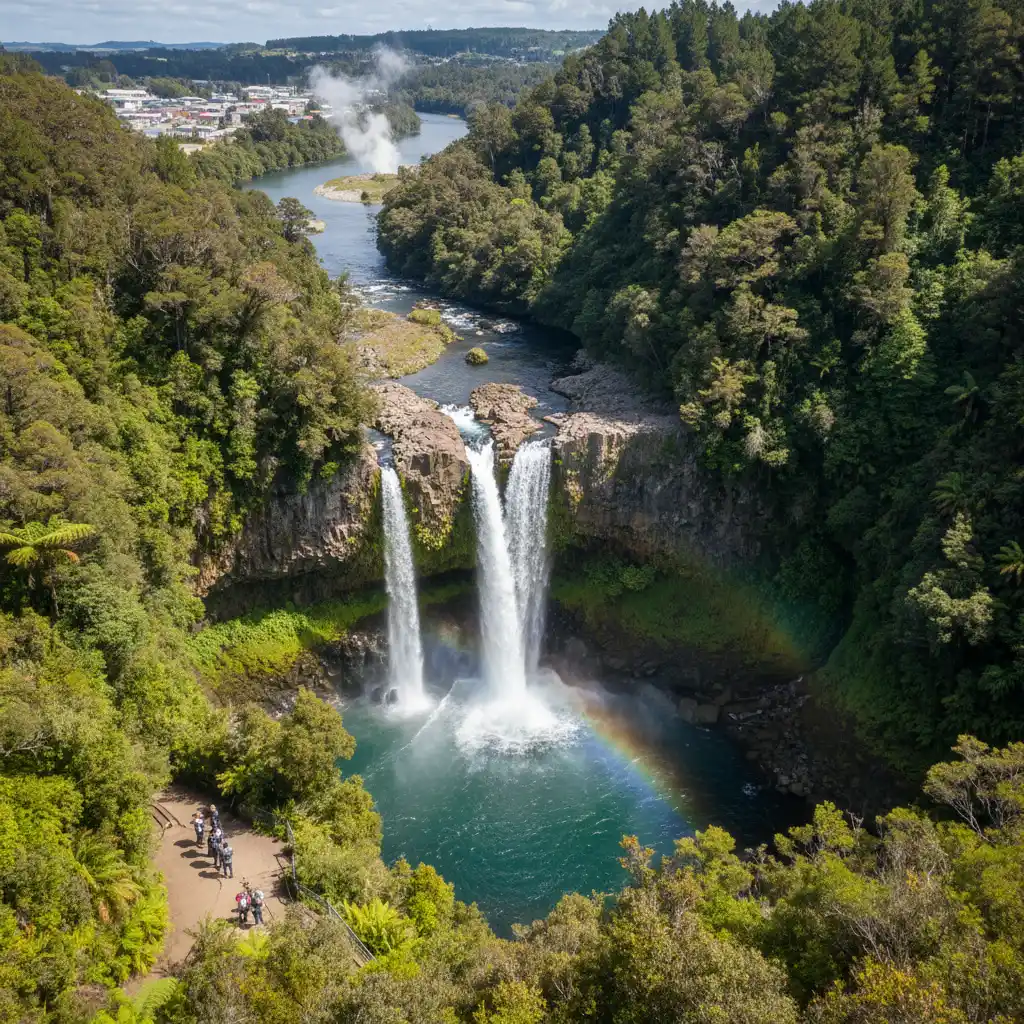
- Proximity to Adventure: You are minutes away from the Tarawera Falls access gates. You can use the library Wi-Fi to check the latest forestry road status or purchase your access permits online before losing signal in the forest.
- Cost-Effective: Unlike paid co-working spaces in larger cities like Tauranga or Rotorua, the library offers these amenities for free.
- Local Intelligence: The librarians are local experts. Beyond books, they can offer advice on Driving from Rotorua to Kawerau: Route & Safety, local events, and Traditional Māori Healing Practices that aren’t listed on major travel blogs.
Kawerau Essential Services & Amenities
- Supermarkets: A New World supermarket is located nearby for restocking campervan pantries.
- Cafes: Several local cafes and bakeries are within walking distance, allowing you to grab a coffee and a pie to fuel your work session. Note that food and drink policies inside the library may be restrictive (usually covered water bottles are okay, but hot food is not), so plan to eat your lunch in the court.
- Public Toilets: Clean public restrooms are available within the town center complex.
- Local Health: Travelers often seek basic services; remember that the Kawerau Pharmacy: Opening Times & Services can be helpful for minor needs, although serious issues require the local medical centre or Rotorua Hospital.
Troubleshooting & Connection Tips
While the APNK network is enterprise-grade, technical glitches can happen. Here is how to resolve common connectivity issues:
1. The “Captive Portal” Won’t Load
Sometimes the terms and conditions page (captive portal) fails to trigger. If you connect to the Wi-Fi but have no internet:
– Open a browser and type 1.1.1.1 or http://neverssl.com into the address bar.
– This forces the browser to request a non-secure page, which usually triggers the redirect to the login screen.
2. Weak Signal
If you are struggling with speed, try moving closer to the central desk or the designated computer areas. Wi-Fi access points are typically mounted on the ceiling in these zones. Thick concrete walls in certain corners of the building can dampen the signal. For those looking at the wider region, checking the Commute Times in Bay of Plenty might help schedule high-bandwidth tasks around peak traffic.
3. Device Limits
Generally, there is no limit to the number of devices you can connect. However, during peak times (after school hours from 3:00 PM – 5:00 PM), bandwidth may be shared among many users (students gaming or streaming), potentially slowing down connection speeds. For critical work, the morning hours (10:00 AM – 12:00 PM) are typically the fastest and quietest.
Frequently Asked Questions
Is the Wi-Fi at Kawerau Library free for tourists?
Yes, the Wi-Fi is completely free for everyone, including international tourists and visitors from other parts of New Zealand. No library card is required to access the Wi-Fi network.
Can I use the Wi-Fi when the library is closed?
Yes, the Wi-Fi signal is often accessible from outside the building in the Jellicoe Court area. However, access to power outlets and comfortable seating is restricted to opening hours.
Do I need a password to connect to the library Wi-Fi?
No password is required. You connect to the “APNK” network and agree to the terms of use on the pop-up landing page in your browser.
Are there time limits on the Wi-Fi usage?
There are generally no time limits for Wi-Fi usage on your own device. However, if you are using the library’s public desktop computers, sessions may be limited to 30 or 60 minutes if others are waiting.
Can I charge my laptop at the library?
Yes, there are power outlets available in the study areas. It is polite to ensure your cables do not create a trip hazard for other patrons.
Is there a limit on what I can download?
The APNK network has content filters to block inappropriate material. While there are no strict data caps for general browsing, extremely high-bandwidth activities (like peer-to-peer torrenting) may be blocked or throttled to ensure fair use for all patrons.